
How to Successfully Reset Your Password at GAMBIT2: A Detailed Guide
Leave Comment/ By P /Dec 13, 2024
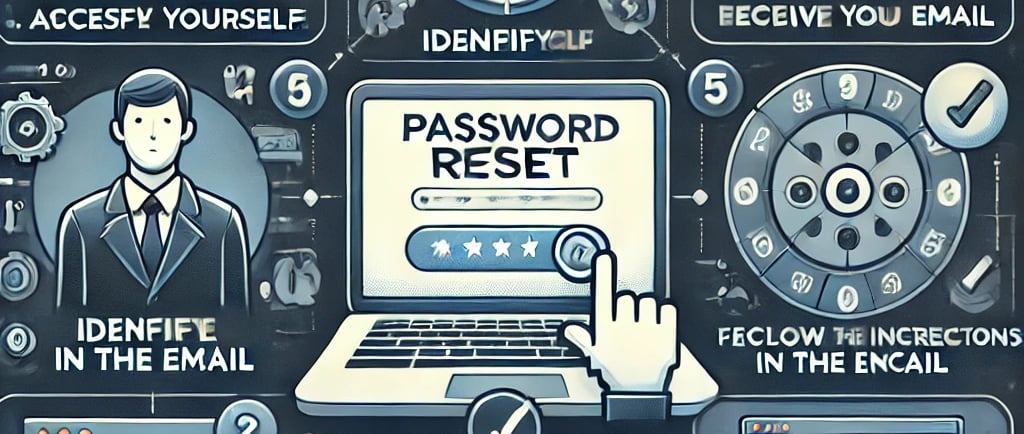
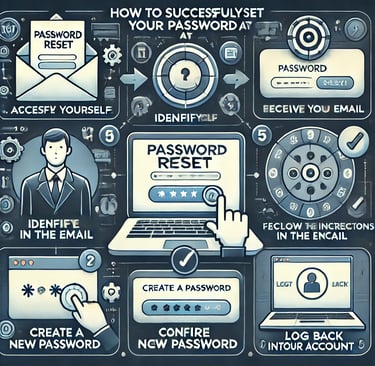
Step 1: Access the Password Reset Page
Open your web browser and go directly to the GAMBIT2 homepage. From there, navigate to the sign-in section and locate the 'Forgot Password?' link just beneath the password input field.
Step 2: Identify Yourself
Click on 'Forgot Password?' to be redirected to the password reset page. Here, you'll be asked to enter the email address you used to register your account. This step is crucial as it verifies your identity and ensures that the reset instructions are sent to the right person.
Step 3: Receive the Reset Email
After entering your email address and submitting the form, keep an eye on your email inbox. You should receive an email from GAMBIT2 with the subject "Password Reset Instructions." If it's not in your inbox, make sure to check the spam or junk mail folder.
Step 4: Follow the Instructions in the Email
Open the email and click on the provided link to proceed with resetting your password. This link will take you to a secure page where you can create a new password.
Step 5: Create a New Password
Choose a new, strong password to help secure your account. We recommend using a mix of upper and lower case letters, numbers, and special characters. You will need to enter your new password twice to ensure there are no typos.
Step 6: Confirm and Continue
After you've set your new password, submit the form. You will receive a confirmation that your password has been updated successfully.
Step 7: Log Back Into Your Account
With your new password in place, return to the GAMBIT2 login page and enter your username and the new password. Now, you’re ready to jump back into your gaming adventure!
Pro Tips for a Smooth Experience:
Regularly Update Your Password: Even if you haven’t forgotten it, changing your password regularly can help keep your account secure.
Use a Password Manager: To keep track of your passwords without the risk of forgetting them, consider using a reliable password manager.
Enable Two-Factor Authentication: If available, enabling this feature adds an extra layer of security to your account.
Need Assistance?
If you run into any problems during the password reset process or if you need further help, our customer support team at GAMBIT2 is available around the clock. Contact us through live chat, email, or phone for personalized assistance.
Resetting your password is just a few clicks away! By following these steps, you can ensure your GAMBIT2 account is secure and accessible whenever you're ready to play. Enjoy your gaming with peace of mind knowing that your account is well-protected.
Get in touch
QUICK GUIDE ON HOW TO REGISTER
Let's Talk
info@gambit2.ph


ALL RIGHTS RESERVED 2024